• Skip to main content
  • Skip to forum navigation

StudioPress

  • Shop for Themes
  • My StudioPress

Forum navigation

  • Home
  • General Genesis Discussions
  • StudioPress Themes
  • Genesis Blocks
    • Genesis Blocks
    • Genesis Custom Blocks
  • Retired Themes
  • FAQs
  • Forum Rules
  • Internationalization and Translations
  • Forum Bugs and Suggestions
  • Forum Log In

Are You Using The WordPress Block Editor?

Genesis now offers plugins that help you build better sites faster with the WordPress block editor (Gutenberg). Try the feature-rich free versions of each plugin for yourself!

Genesis Blocks Genesis Custom Blocks

limbo

Welcome!

These forums are for general discussion on WordPress and Genesis. Official support for StudioPress themes is offered exclusively at My StudioPress. Responses in this forum are not guaranteed. Please note that this forum will require a new username, separate from the one used for My.StudioPress.

Log In
Register Lost Password
  • Profile
  • Topics Started
  • Replies Created
  • Engagements
  • Favorites

Forum Replies Created

Viewing 14 posts - 1 through 14 (of 14 total)
  • Author
    Posts
  • February 3, 2017 at 6:59 pm in reply to: Infinity Pro Front Page Image 1 – slider #200540
    limbo
    Member

    Great! thanks & will give it a try later

    February 3, 2017 at 4:50 pm in reply to: Infinity Pro Front Page Image 1 – slider #200531
    limbo
    Member

    this: *yes please*

    January 18, 2017 at 4:05 pm in reply to: Allow shortcodes to work in Category Archive Intro Text #199631
    limbo
    Member

    bump *please :)*

    February 26, 2016 at 8:30 pm in reply to: Swapping "Front Page" widget area for another format #180024
    limbo
    Member

    You might also have your text / html / images and /or galleries in a page. And then under reading settings of word press set your home page to a static page (the page with the content you want) and i will load that instead of your latest posts.

    April 16, 2015 at 4:23 pm in reply to: Align Navigation Menu Sample Theme #148161
    limbo
    Member

    Hi, it has been a while but in case it helps anyone this worked for me:

    .nav-primary {
    background-color: #000;
    font-size: 14px;
    text-align: right; <--- Here 🙂
    }

    February 20, 2015 at 1:24 pm in reply to: Exclude One Category from Featured Posts Widget #141524
    limbo
    Member

    Hi, here is another vote to learn how to do this. I have found that Genesis Featured Widget Amplified has that option but i would rather learn how to do it manually. Thanks.

    December 18, 2014 at 11:03 am in reply to: Full screen width slider for Enterprise pro #134809
    limbo
    Member

    Just following up i found a solution that worked for me and posting it in case it helps anyone else: Simply add .wrap to the home-top style 🙂

    .home-top .wrap {
    padding-top: 0px;
    padding-bottom: 0px;
    max-width: 100%;
    }

    December 15, 2014 at 7:21 pm in reply to: Full screen width slider for Enterprise pro #134632
    limbo
    Member

    Forgot to add a url: http://www.gafianzadorysegurosdemexico.com.mx/

    December 15, 2014 at 6:40 pm in reply to: Full screen width slider for Enterprise pro #134631
    limbo
    Member

    Hi, im thinking that if i can write then this is not a closed post.

    So following up, i am trying to achieve this using metaslider (which has an option to strech "100% wide output"). I would believe that i should just add some css to home-top in the child theme bit i am clearly missing something, so if you could maybe point me in the right directon i would appreciate it : ) thanks

    .home-top {
    border-top: 0px solid #ececec;
    margin-bottom: -50px;
    max-width: auto;
    }

    .metaslider {
    max-width: 100%;
    }

    October 17, 2014 at 9:02 am in reply to: Header and footer "fall short" when responsive #128147
    limbo
    Member

    Hi Jamie,

    That worked perfectly! Thank you so much. Have a nice day 🙂

    August 20, 2014 at 10:25 am in reply to: Close header-content-footer gaps #120025
    limbo
    Member

    Robin, Thanks a lot!! i feel kind of dumb having tried so many other things fiddling all over the place instead of where i should have :S i do feel comfortable in the editor view and playing with the style sheet but i guess i am not so familiar with genesis and all of its parts

    Thank you 🙂

    August 19, 2014 at 8:28 pm in reply to: Close header-content-footer gaps #119919
    limbo
    Member

    Hi all,

    I have tried Robin's code and that worked great but i still cant close the gap for the footer. I have tried adding a negative margin to the site-footer and that kind of closes the gap but that changes more stuff (height of footer, adds a horizontal scroll, "shortens" the header and moves the text on the footer

    .site-footer {
    margin: -60px;
    }

    Any ideas as to what else can be done...? What i want is to have the footer right up to the image... like so:
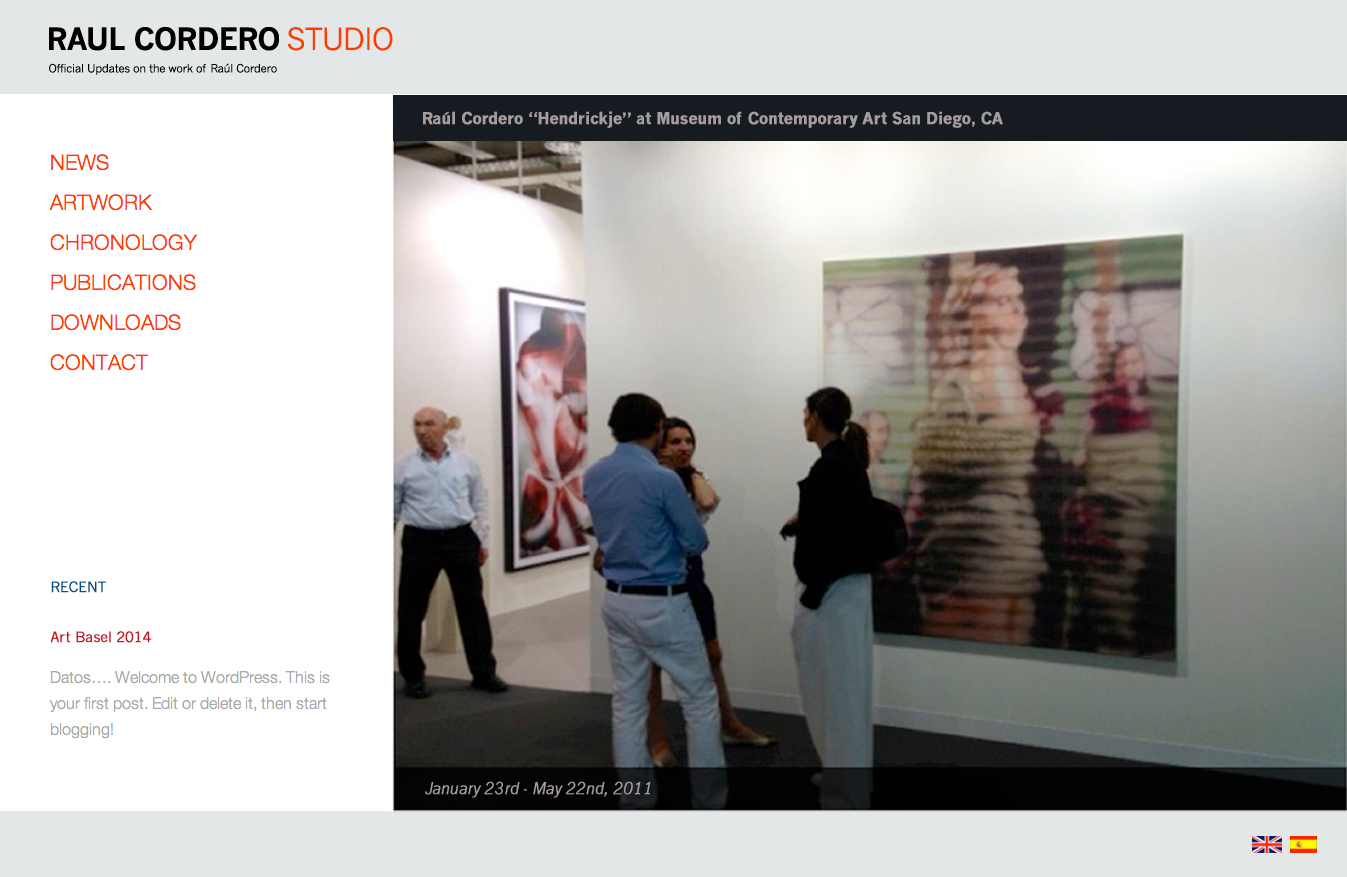
    http://raulcorderostudio.com/RC1/wp-content/uploads/2014/07/base.jpg

    Thanks

    July 29, 2014 at 5:11 pm in reply to: Close header-content-footer gaps #116286
    limbo
    Member

    Wow, Robin, thanks!

    that was great! and i had no idea you could "make a call" to home! thanks again 🙂

    July 19, 2014 at 2:19 pm in reply to: Images in Parallax Pro theme #114959
    limbo
    Member

    Hi Lara,

    I am kind of guessing, but you might need to do some of the same arrangements (increase/decrease) in the media queries in the stylesheet.

  • Author
    Posts
Viewing 14 posts - 1 through 14 (of 14 total)

CTA

Ready to get started? Create a site or shop for themes.

Create a site with WP EngineShop for Themes

Footer

StudioPress

© 2026 WPEngine, Inc.

Products
  • Create a Site with WP Engine
  • Shop for Themes
  • Theme Features
  • Get Started
  • Showcase
Company
  • Brand Assets
  • Terms of Service
  • Accptable Usse Policy
  • Privacy Policy
  • Refund Policy
  • Contact Us
Community
  • Find Developers
  • Forums
  • Facebook Group
  • #GenesisWP
  • Showcase
Resources
  • StudioPress Blog
  • Help & Documentation
  • FAQs
  • Code Snippets
  • Affiliates
Connect
  • StudioPress Live
  • StudioPress FM
  • Facebook
  • Twitter
  • Dribbble