• Skip to main content
  • Skip to forum navigation

StudioPress

  • Shop for Themes
  • My StudioPress

Forum navigation

  • Home
  • General Genesis Discussions
  • StudioPress Themes
  • Genesis Blocks
    • Genesis Blocks
    • Genesis Custom Blocks
  • Retired Themes
  • FAQs
  • Forum Rules
  • Internationalization and Translations
  • Forum Bugs and Suggestions
  • Forum Log In

Are You Using The WordPress Block Editor?

Genesis now offers plugins that help you build better sites faster with the WordPress block editor (Gutenberg). Try the feature-rich free versions of each plugin for yourself!

Genesis Blocks Genesis Custom Blocks

Metro theme background image – using portrait photo

Welcome!

These forums are for general discussion on WordPress and Genesis. Official support for StudioPress themes is offered exclusively at My StudioPress. Responses in this forum are not guaranteed. Please note that this forum will require a new username, separate from the one used for My.StudioPress.

Log In
Register Lost Password

Community Forums › Forums › Archived Forums › Design Tips and Tricks › Metro theme background image – using portrait photo

This topic is: not resolved

Tagged: background image, Metro

  • This topic has 2 replies, 2 voices, and was last updated 12 years, 12 months ago by wittycassiehere.
Viewing 3 posts - 1 through 3 (of 3 total)
  • Author
    Posts
  • February 24, 2013 at 2:25 pm #22562
    wittycassiehere
    Member

    In my attempt to customize the background image of the Metro theme, I'm finding that no matter how big or small I make my portrait-style image file, the top and bottom of the image are cut off. Landscape style images are fine. Surely there's a way I can use a portrait photo without losing large chunks of the image? If so, what should the dimensions be?


    Thanks!


    Cassie
    [Witty Title Here]

    February 24, 2013 at 3:43 pm #22576
    dabyrom
    Member

    Hi Cassie,

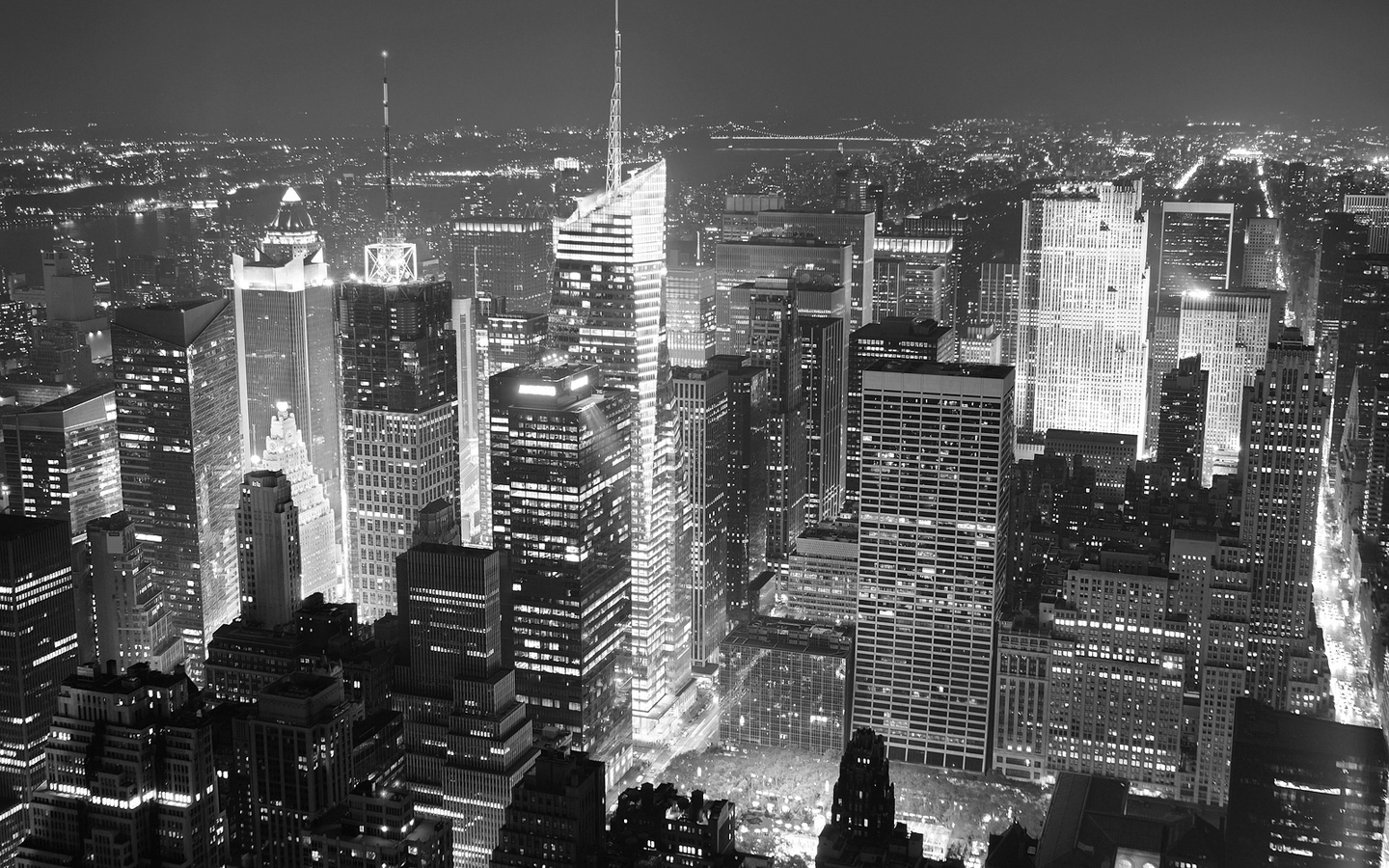
    You are probably having problems because the theme is set-up for a landscape background.  The default background image is 1440 x 900.  Here is the link: http://demo.studiopress.com/metro/files/2013/01/bg.jpg.

    Maybe you could edit your image to fit those dimensions.  Right now the theme is forcing those dimensions which is why your portrait size is cutting off the top and bottom.

    I also wonder if your problem could be fixed with CSS styling but I'm not smart enough to tell you how.

    February 25, 2013 at 8:33 am #22691
    wittycassiehere
    Member

    Thanks for your help, dabyrom. That makes sense, but what a bummer! I'll play around with the dimensions, though. If anyone else knows of a way around it (I'm open to white space around the borders of the background image), feel free to chime in!

    Thanks again!


    Cassie
    [Witty Title Here]

  • Author
    Posts
Viewing 3 posts - 1 through 3 (of 3 total)
  • The forum ‘Design Tips and Tricks’ is closed to new topics and replies.

CTA

Ready to get started? Create a site or shop for themes.

Create a site with WP EngineShop for Themes

Footer

StudioPress

© 2026 WPEngine, Inc.

Products
  • Create a Site with WP Engine
  • Shop for Themes
  • Theme Features
  • Get Started
  • Showcase
Company
  • Brand Assets
  • Terms of Service
  • Accptable Usse Policy
  • Privacy Policy
  • Refund Policy
  • Contact Us
Community
  • Find Developers
  • Forums
  • Facebook Group
  • #GenesisWP
  • Showcase
Resources
  • StudioPress Blog
  • Help & Documentation
  • FAQs
  • Code Snippets
  • Affiliates
Connect
  • StudioPress Live
  • StudioPress FM
  • Facebook
  • Twitter
  • Dribbble